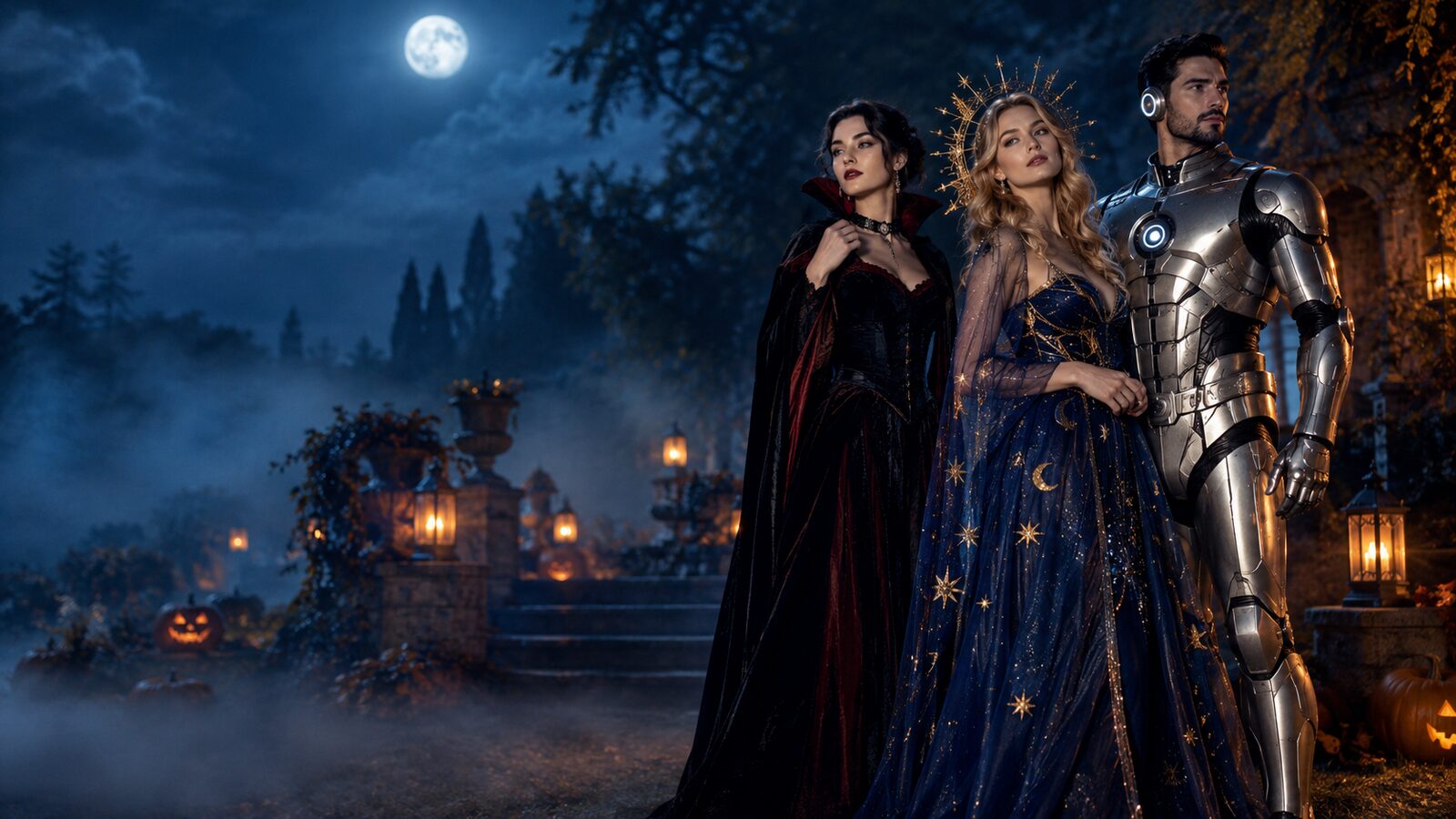
Halloween 2026
One selfie. Endless Halloween looks.
Start with a photo you already have, choose an original look, and edit or animate it in the browser. Every look includes the prompt, the image and the limits.
Choose a starting point
Photo, pet, couple, group and video looks. Each page opens with the prompt already loaded.
Photo looks
Costume and beauty edits for a portrait you already have.
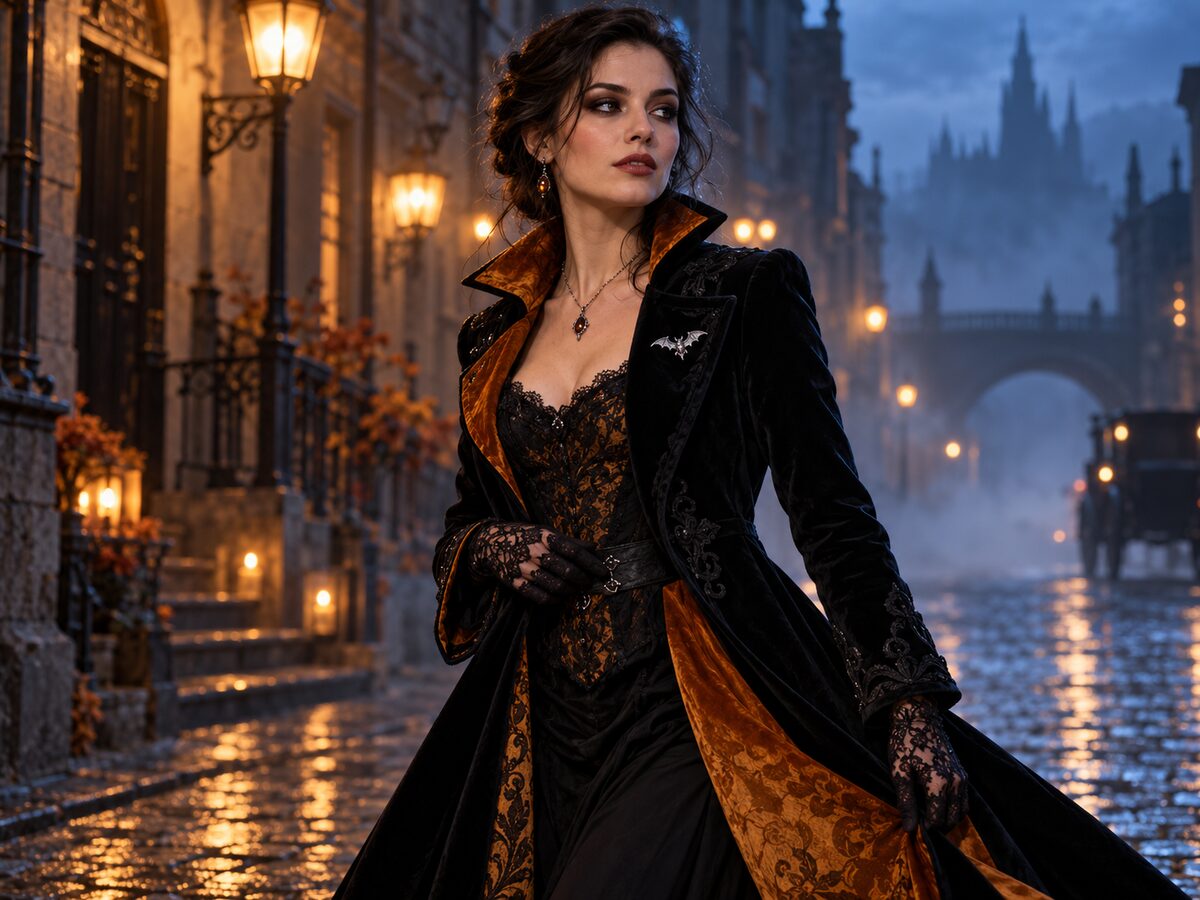
AI Halloween Costume Generator
Start with a photo
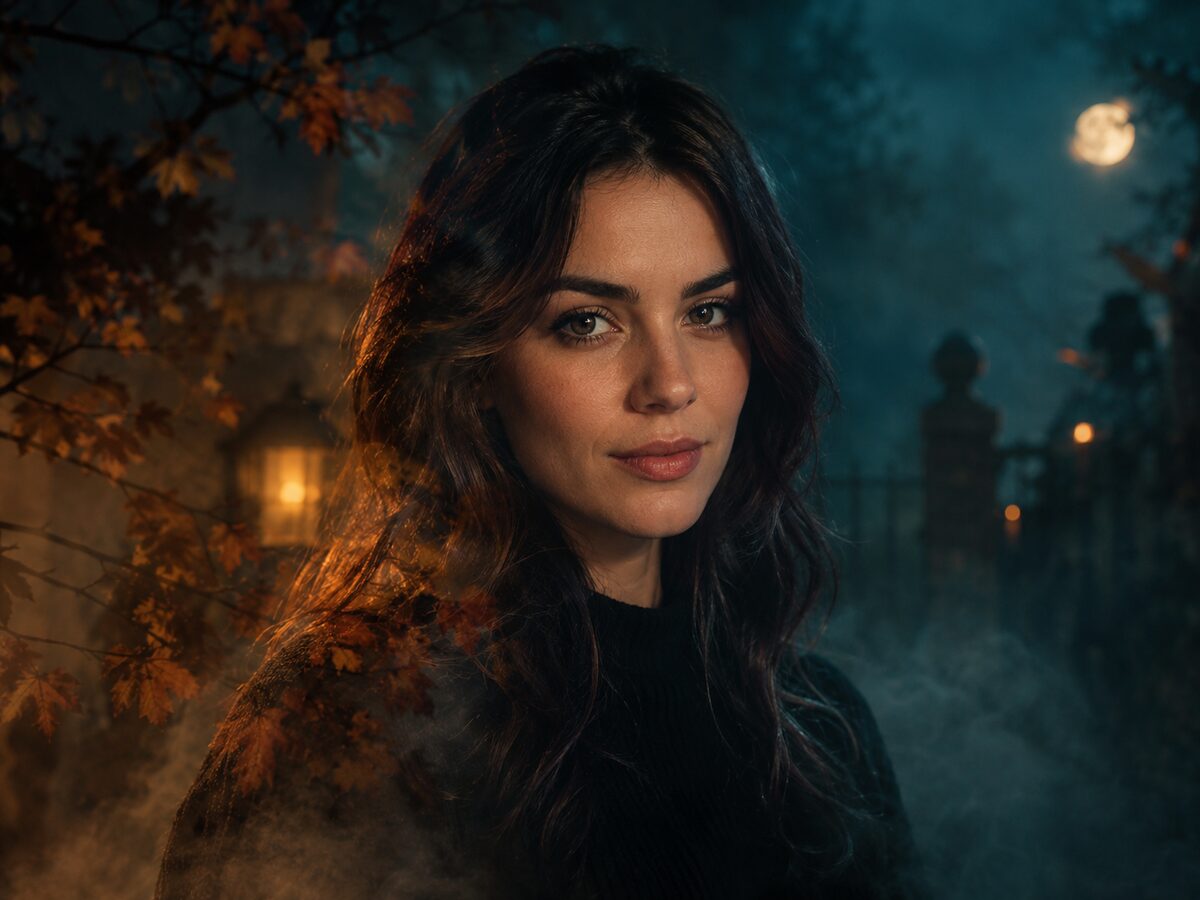
Halloween Photo Editor
Edit a photo you already have
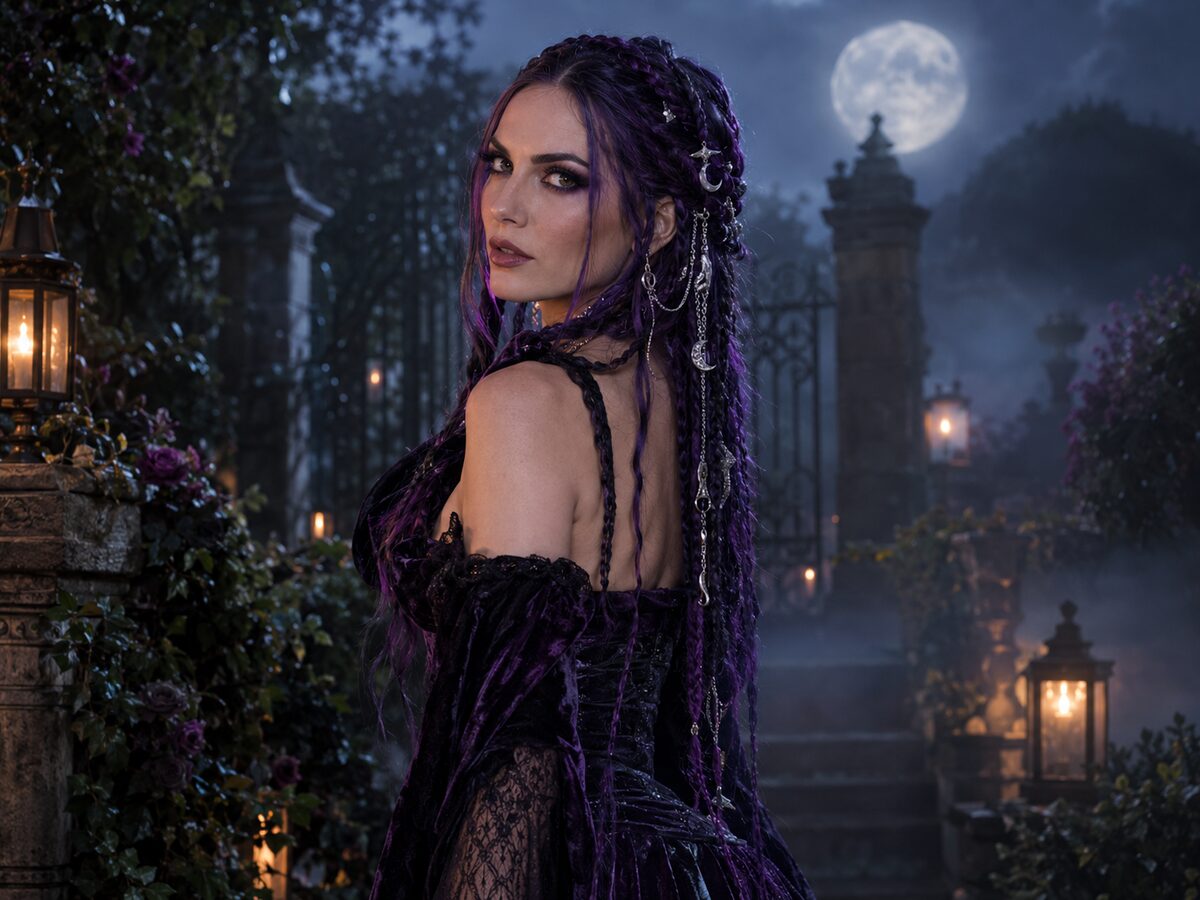
Midnight Braids
Gothic portrait look
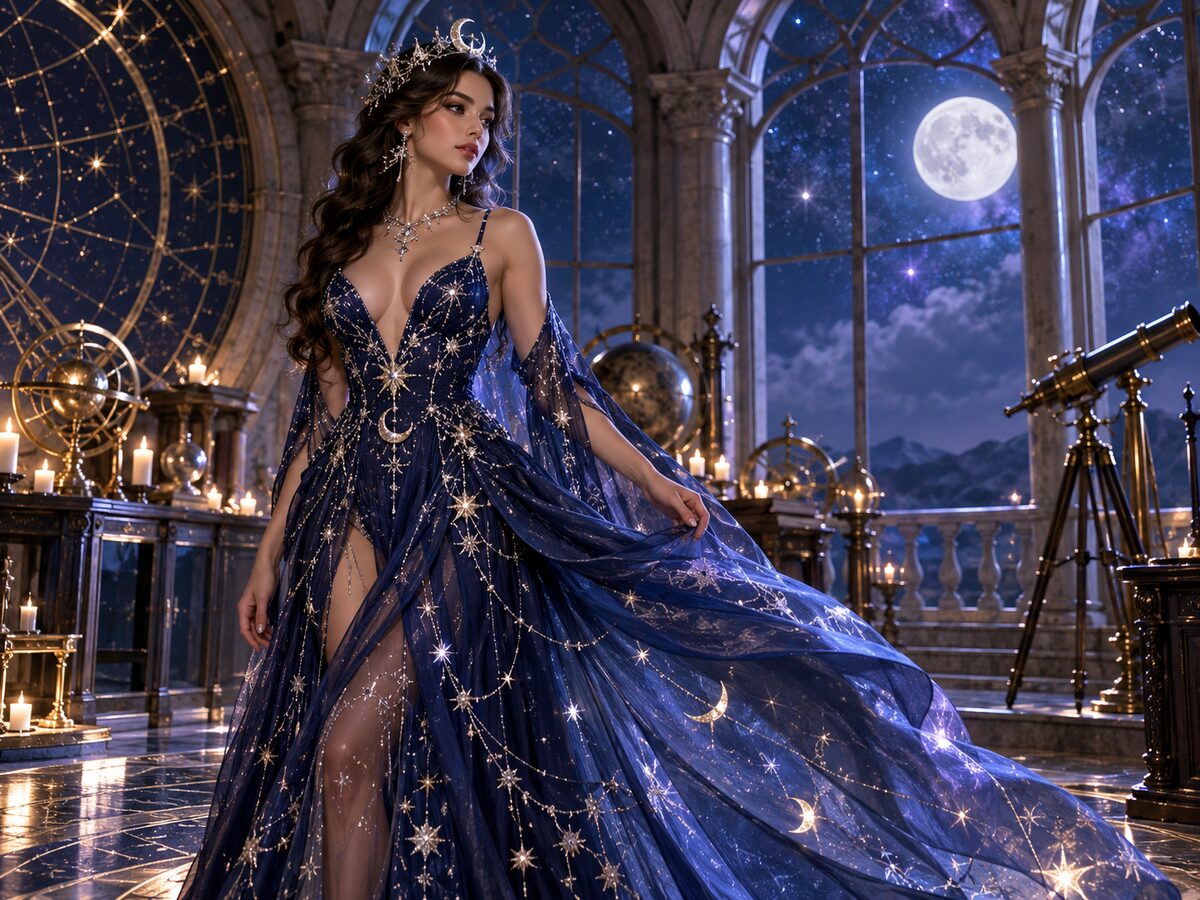
Cosmic Princess
Celestial gown look
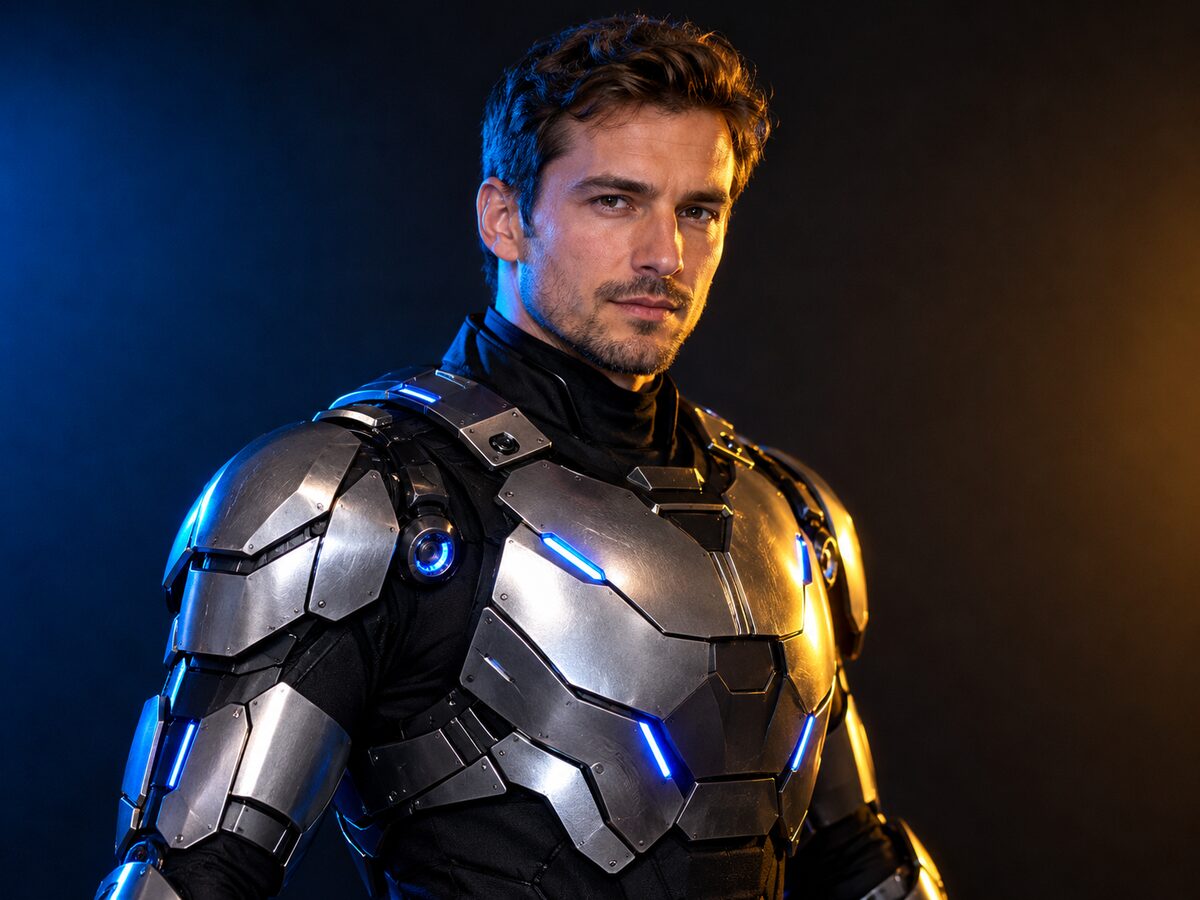
Halloween Robot Costume
Wearable sci-fi look
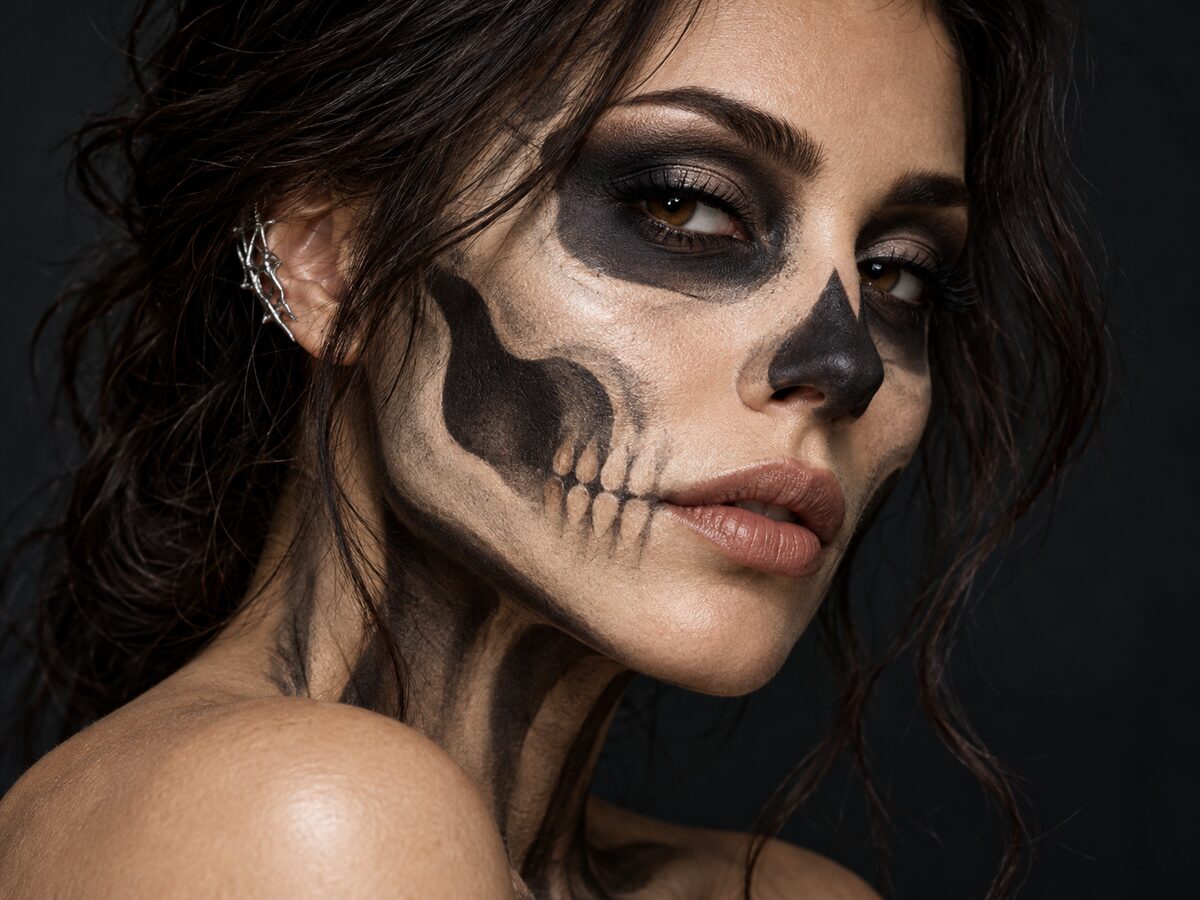
Skeleton Makeup
Beauty makeup look
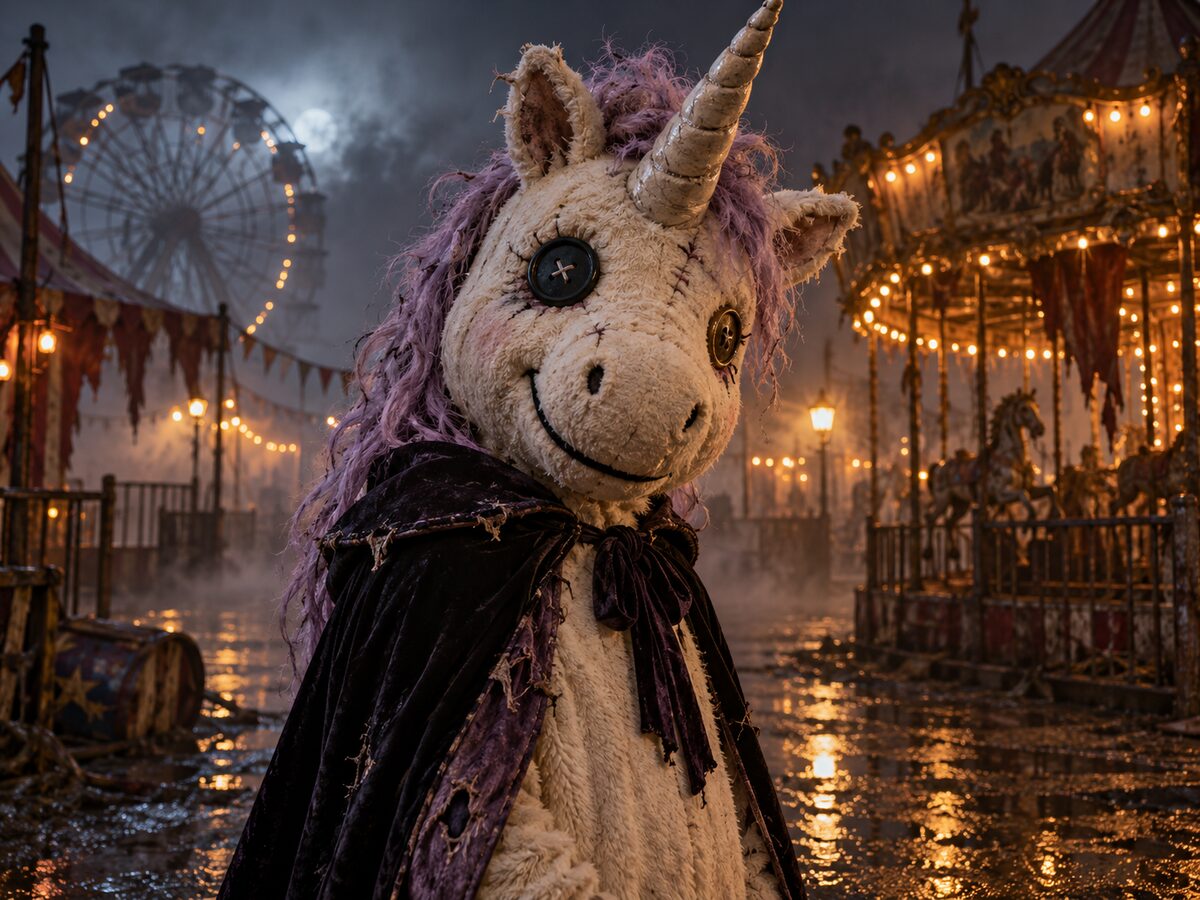
Haunted Unicorn Mascot
Original mascot look
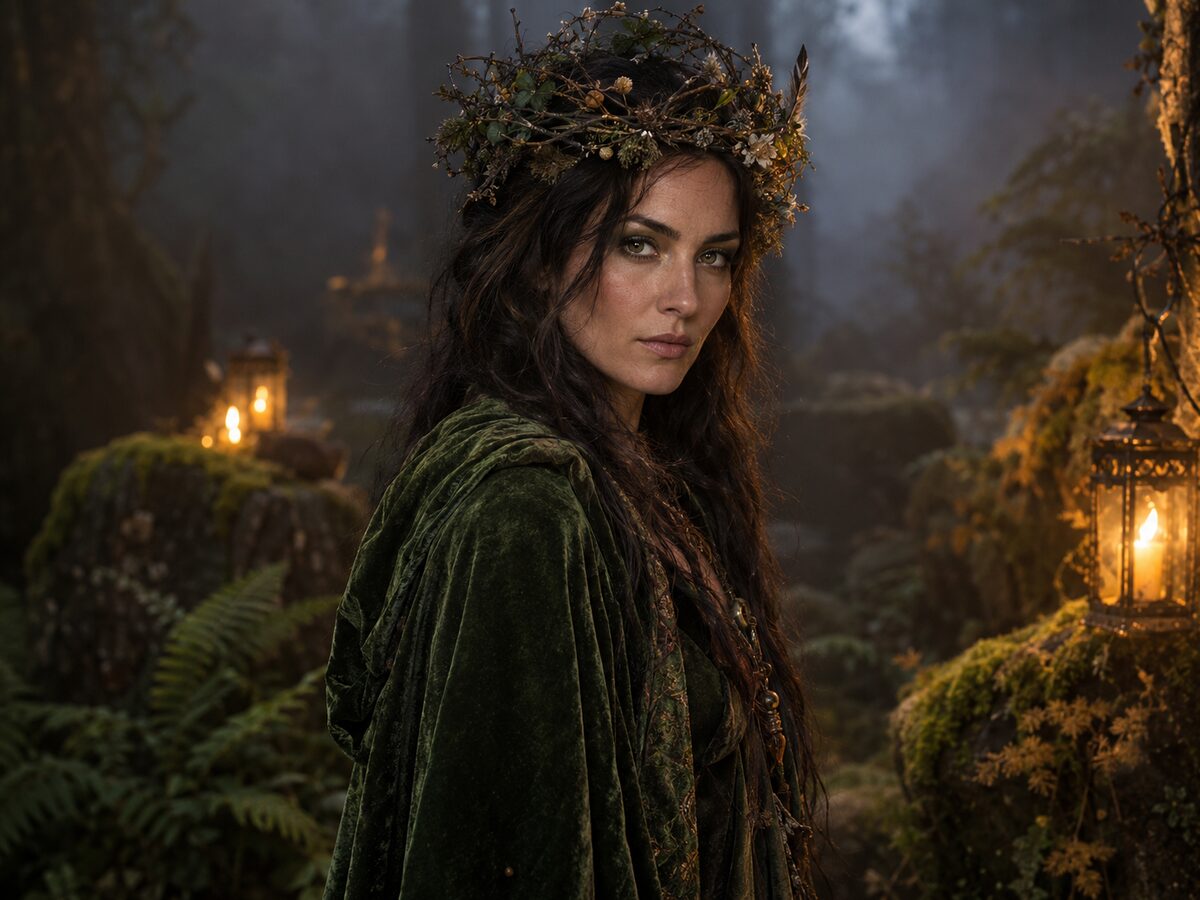
Forest Witch
Woodland portrait look
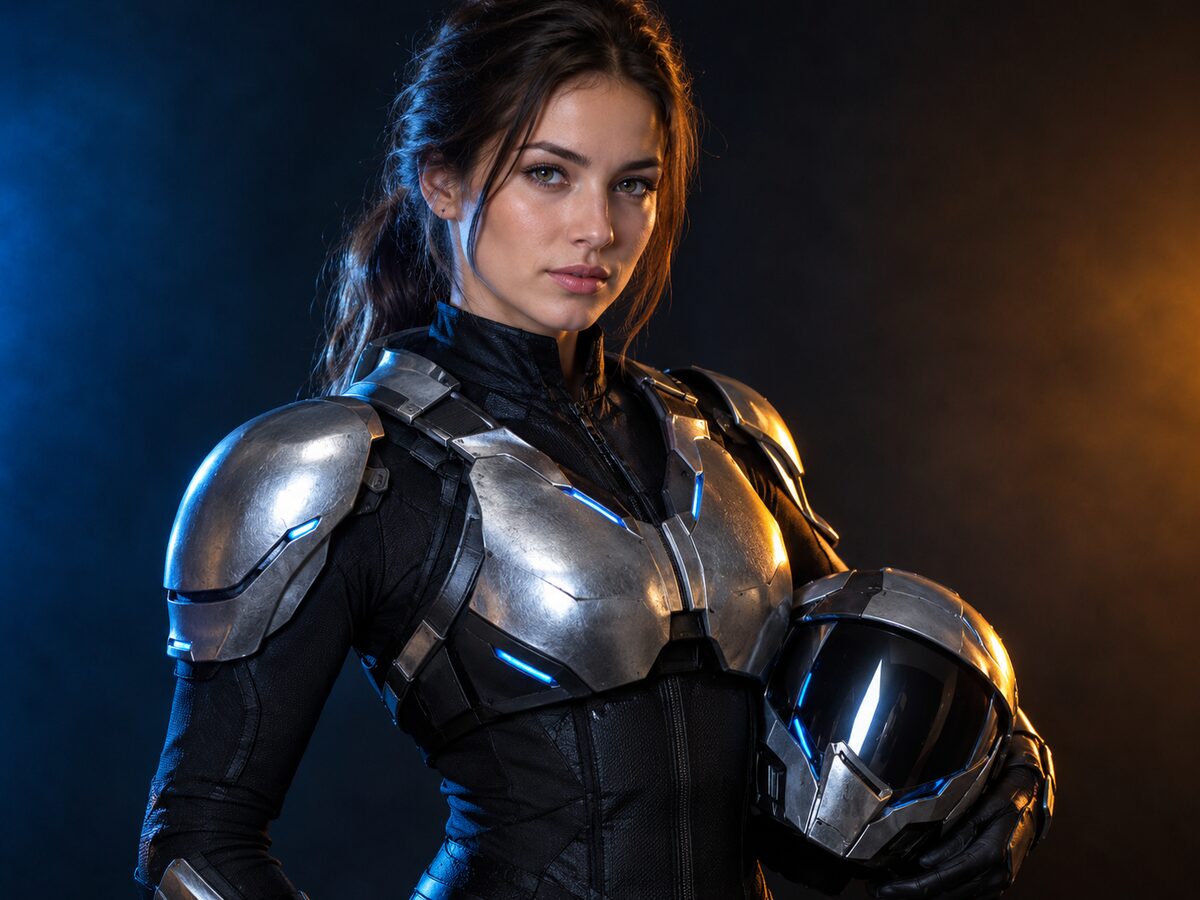
Galactic Hero
Sci-fi hero look
Video effects
Short clips built from a still, with one clear movement.
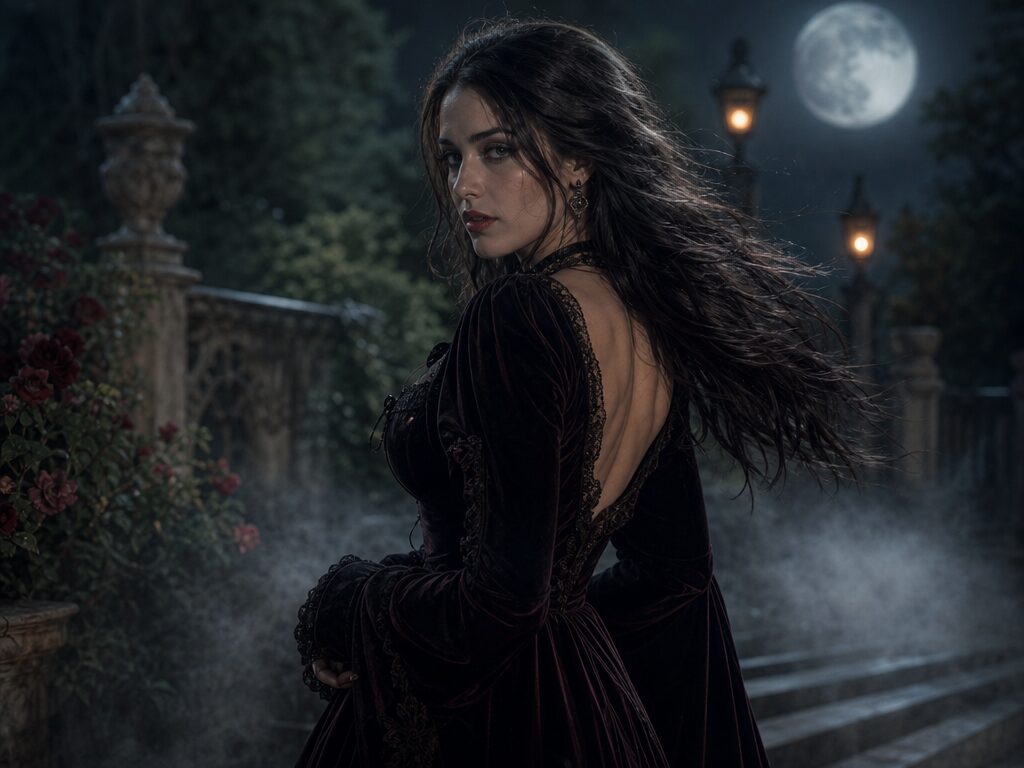
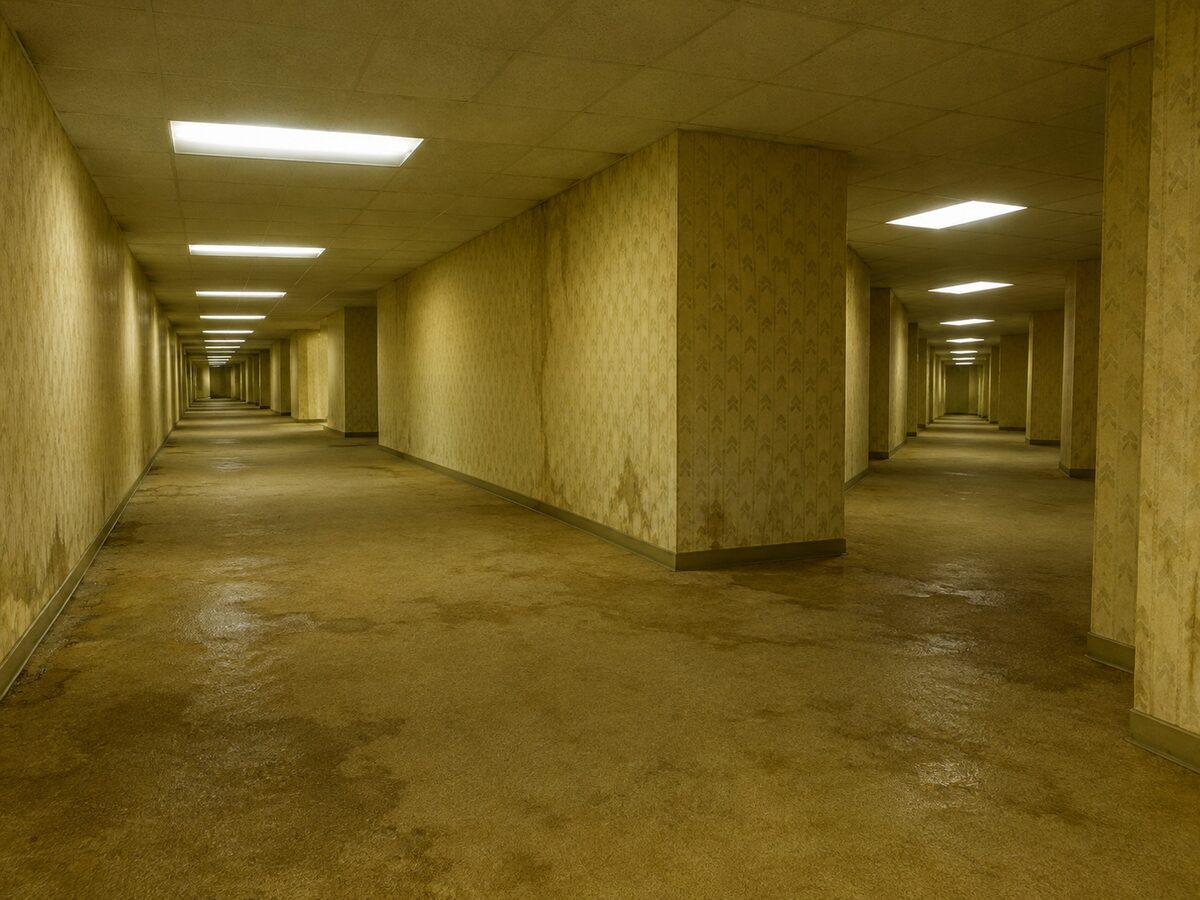
Pet looks
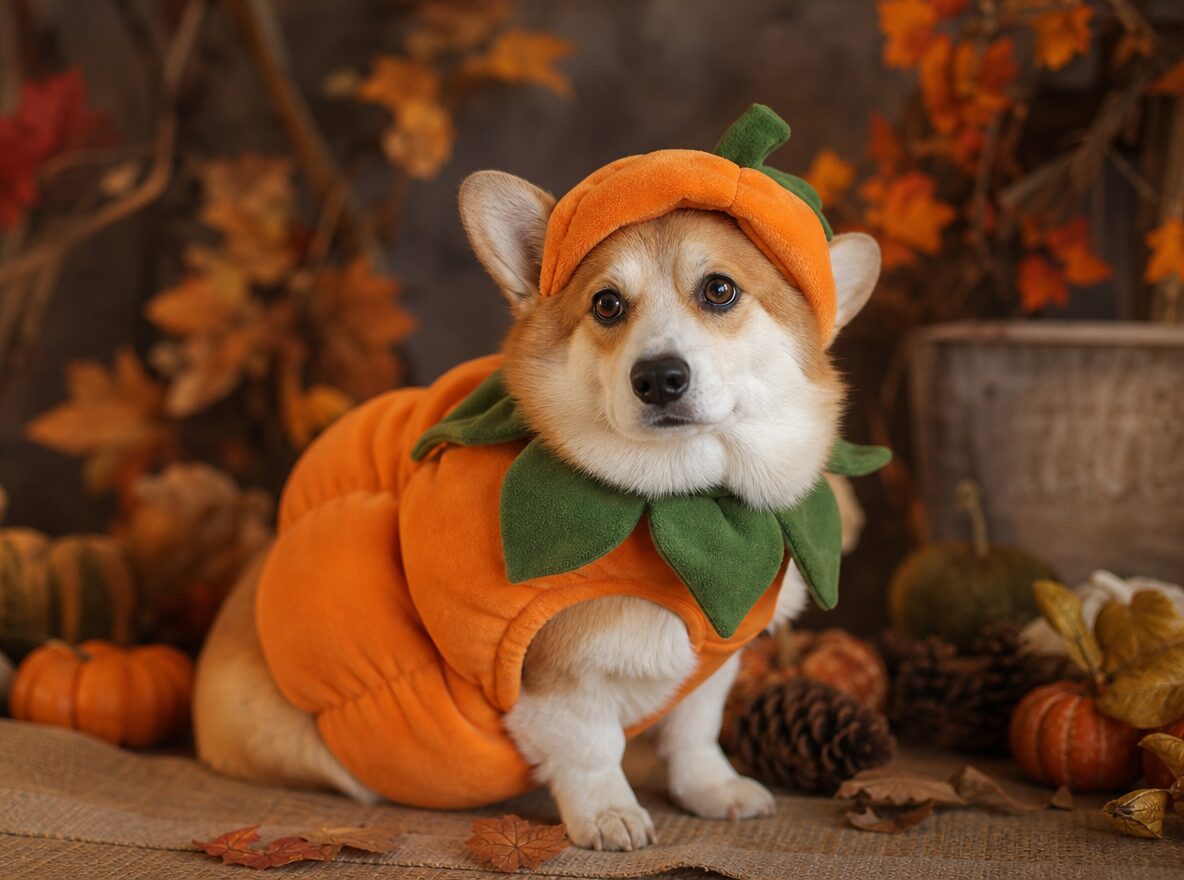
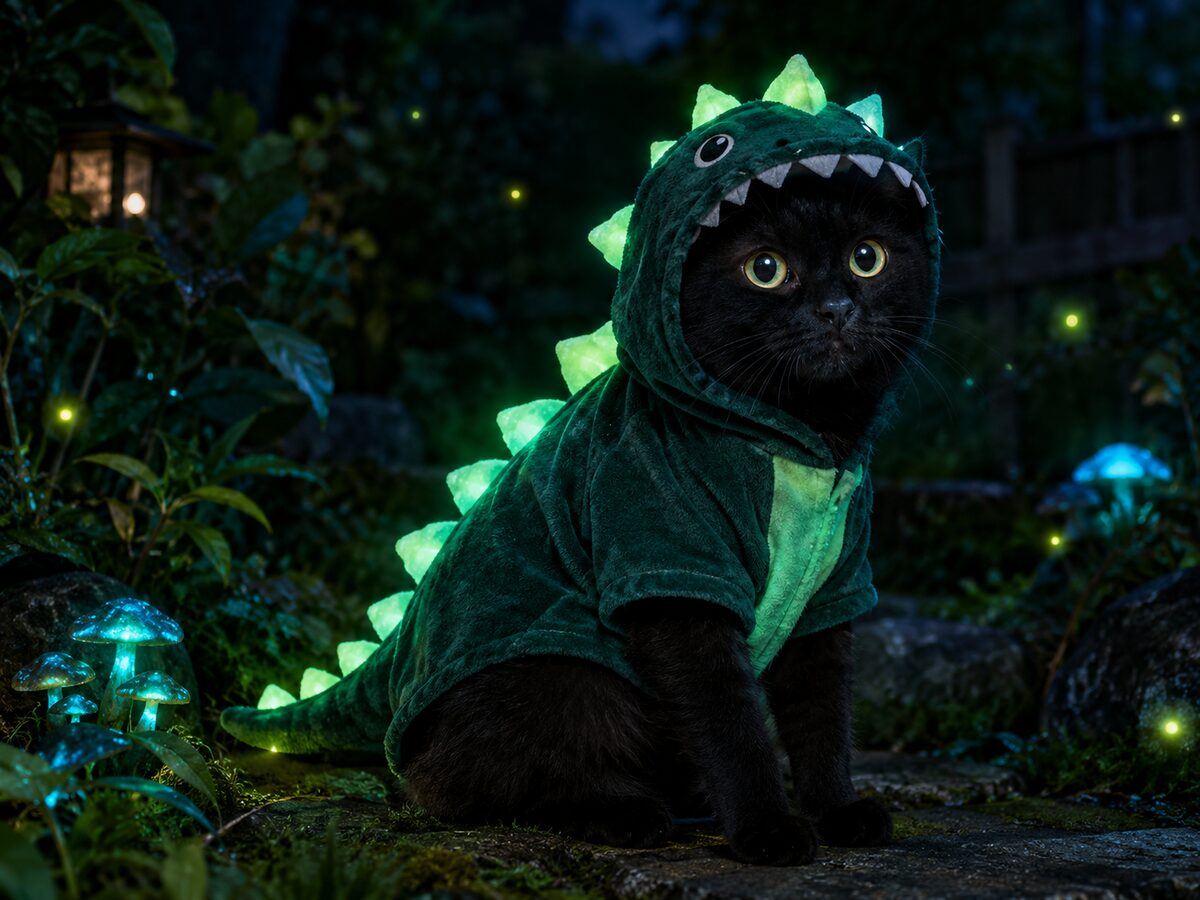
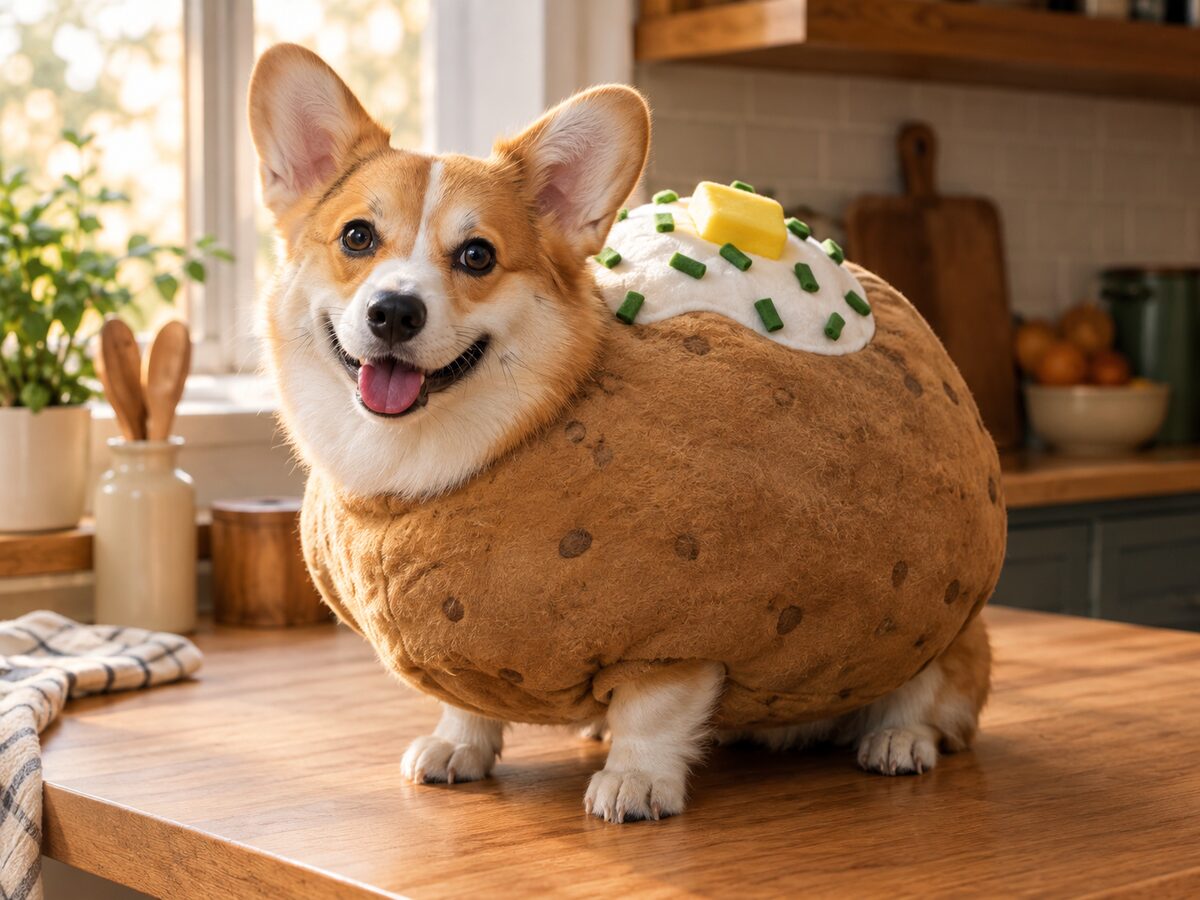
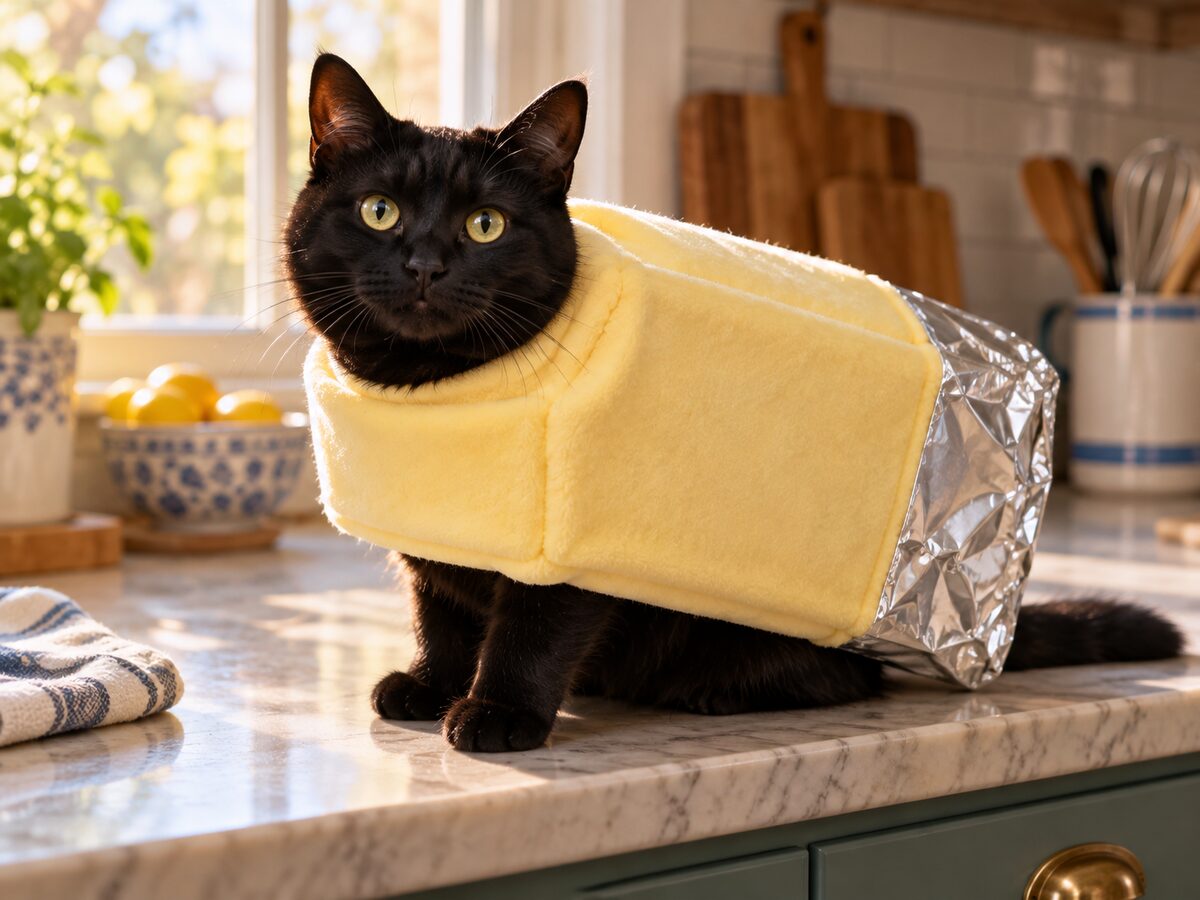
Costume portraits that keep the breed, markings and eyes.
Couple looks
Two-person scenes with separate, consistent identities.
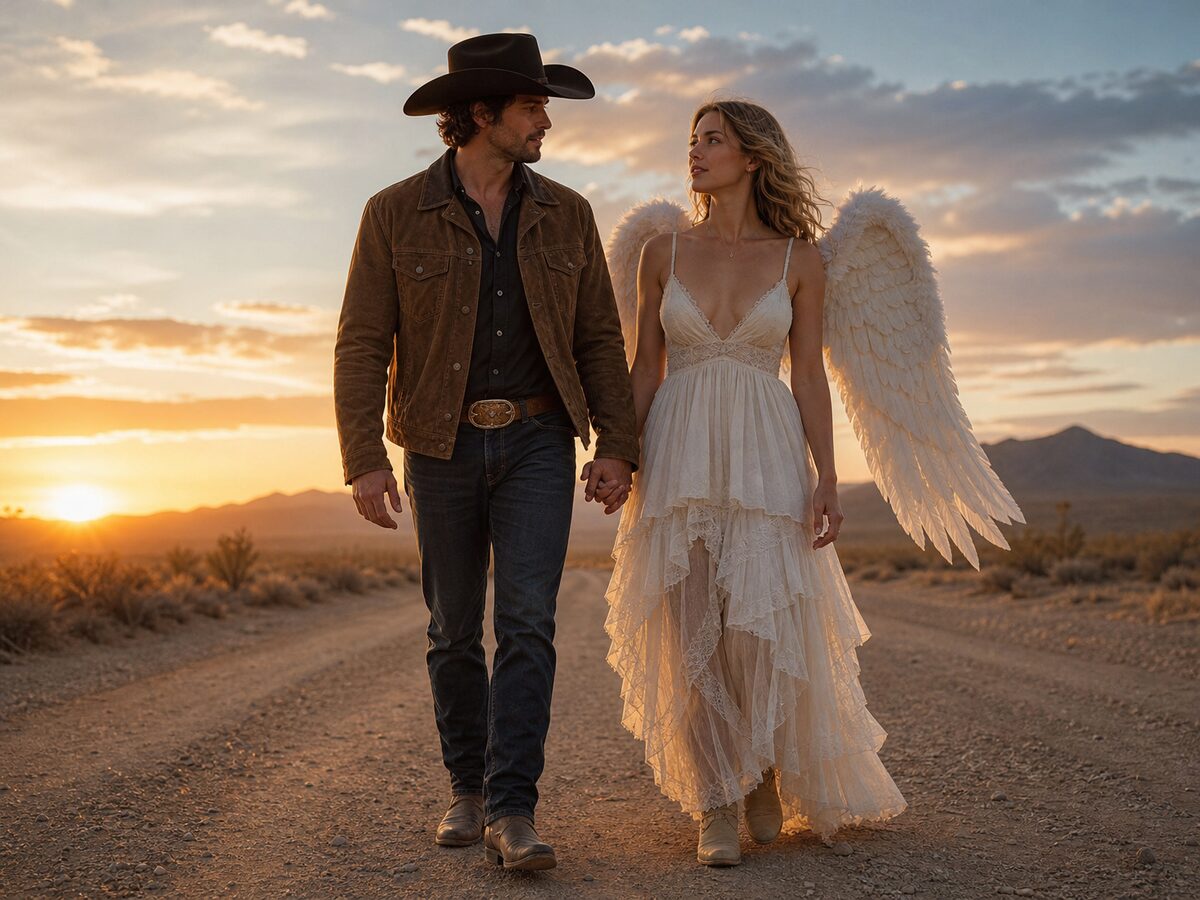
Group looks
Small group portraits with a fixed body count.
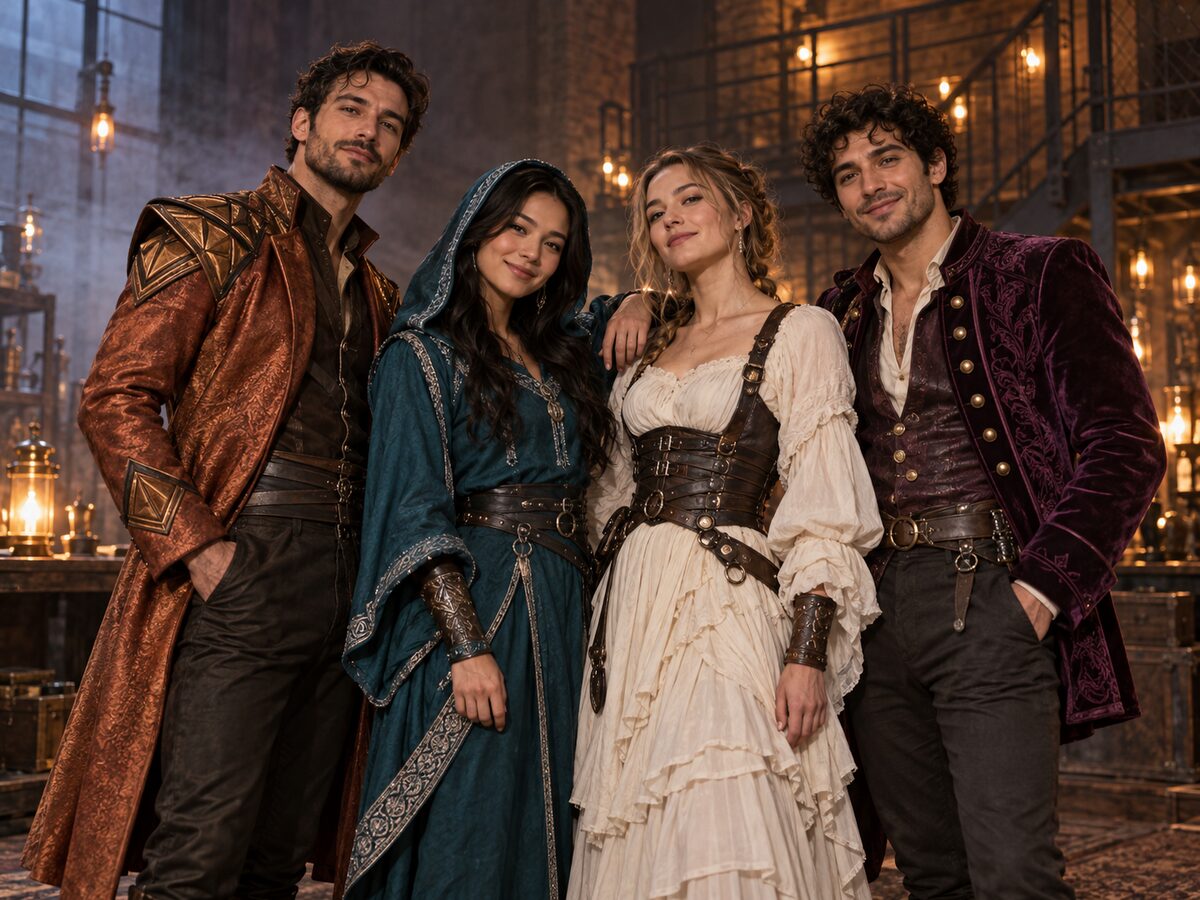
Prompt library
Copy-ready recipes for photos, pets, couples and video.
How a look is made
Upload one clear photo
A front-facing or three-quarter photo with even light keeps the face and pose readable.
Edit the look, not the person
The prompt changes wardrobe, scene and light while the identity and anatomy lines stay fixed.
Review, then animate
Check hands, hair and costume edges at full size. If the still holds, add a five-second motion prompt.
Original looks, not replicas
These pages describe original costumes and scenes. They do not reproduce a copyrighted character, a studio design or a living person's likeness.
Halloween AI questions
Do I need to know how to prompt?
No. Open any look and the prompt is already in the generator. You only need a photo and a few credits.
Can I use these looks for video?
Yes. Each look includes a five-second image-to-video prompt with one small movement and a stable camera.
Are these official movie costumes?
No. They are original concepts built from visual traits such as fabric, color and light, not licensed characters.
One selfie. Endless Halloween looks.
See credits and plans